
Home › Count a building in 5 steps
Count a building in 5 steps
Five steps. Do them in order. Each step ends with a Done when line. When it’s true, go to the next step.
The bar above shows where you are.
1
Ask first
Get permission and the utility bills before the camera comes out.
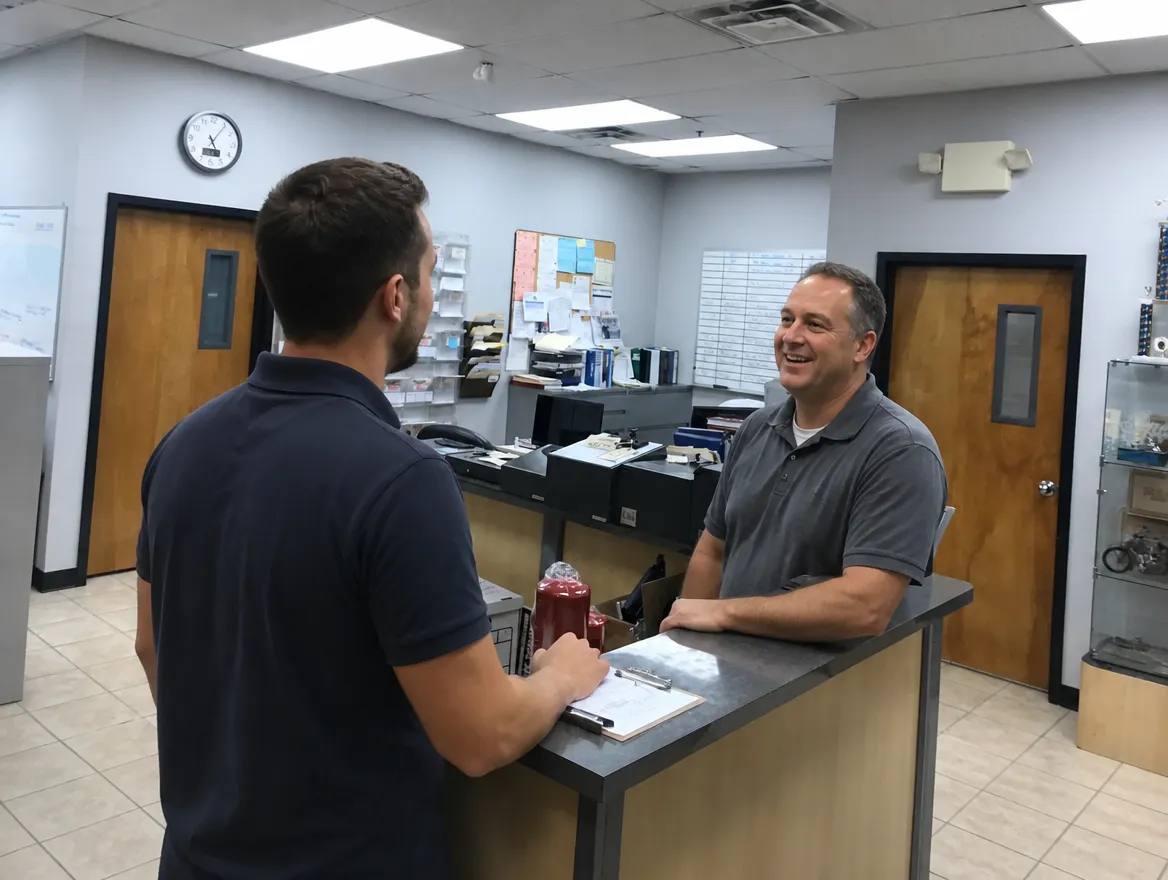
Say this to whoever let you in:
“Is it OK if I film the ceilings and photograph the light fixtures? It’s only to price the lighting.”
Then ask for the bills:
“Can you send me your last three months of electric bills? One month works if that’s all you have.”
- Write down their name.
- Bills are required. No bill, no assessment. Three months is best.
Done when: you have a yes, a name, and the bills (or a promise to send them).
What if…
- They can’t say yes: ask who can, and write down that name too.
- They say no to the camera: count by hand and tell the office when you send it in.
- A room is off limits: skip it and write down which one.
- They don’t have the bills handy: do the walkthrough anyway, but get the bills before you submit.
2
Film each room
One short video per room. It gives us the count.
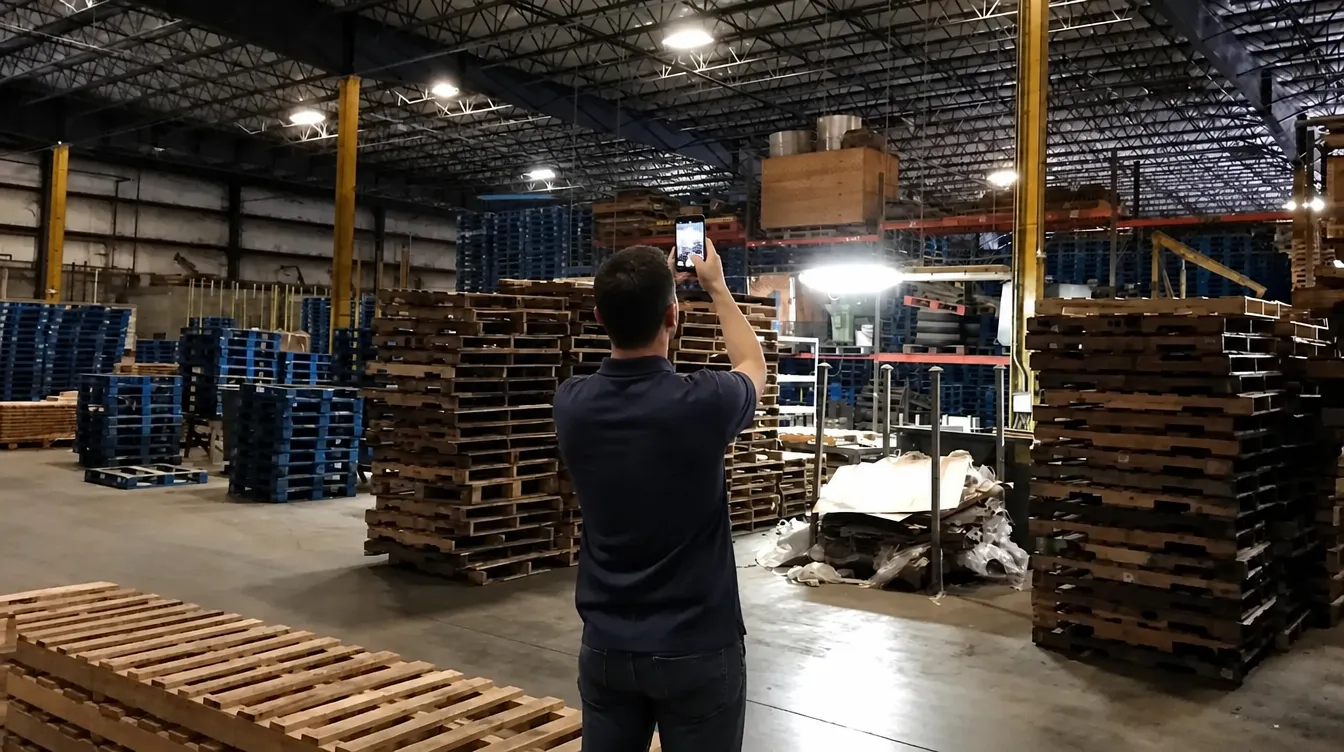
- Stand in the middle of the room.
- Point your phone at the ceiling.
- Record one slow, full circle.
- Say out loud: room name, number of lights, ceiling height.
“Warehouse bay one. Twenty-eight lights. Ceiling about thirty feet.”
Done when: every room has one video.
What if…
- You don’t know the ceiling height: a door is about 7 feet. Guess how many doors tall, or say “not sure.”
- The room is huge and far lights look blurry: film a second circle from the other half.
- People or screens are in view: keep the phone pointed up at the lights.
3
Photograph each kind of light
One photo of each kind, not every light. The video has the count.
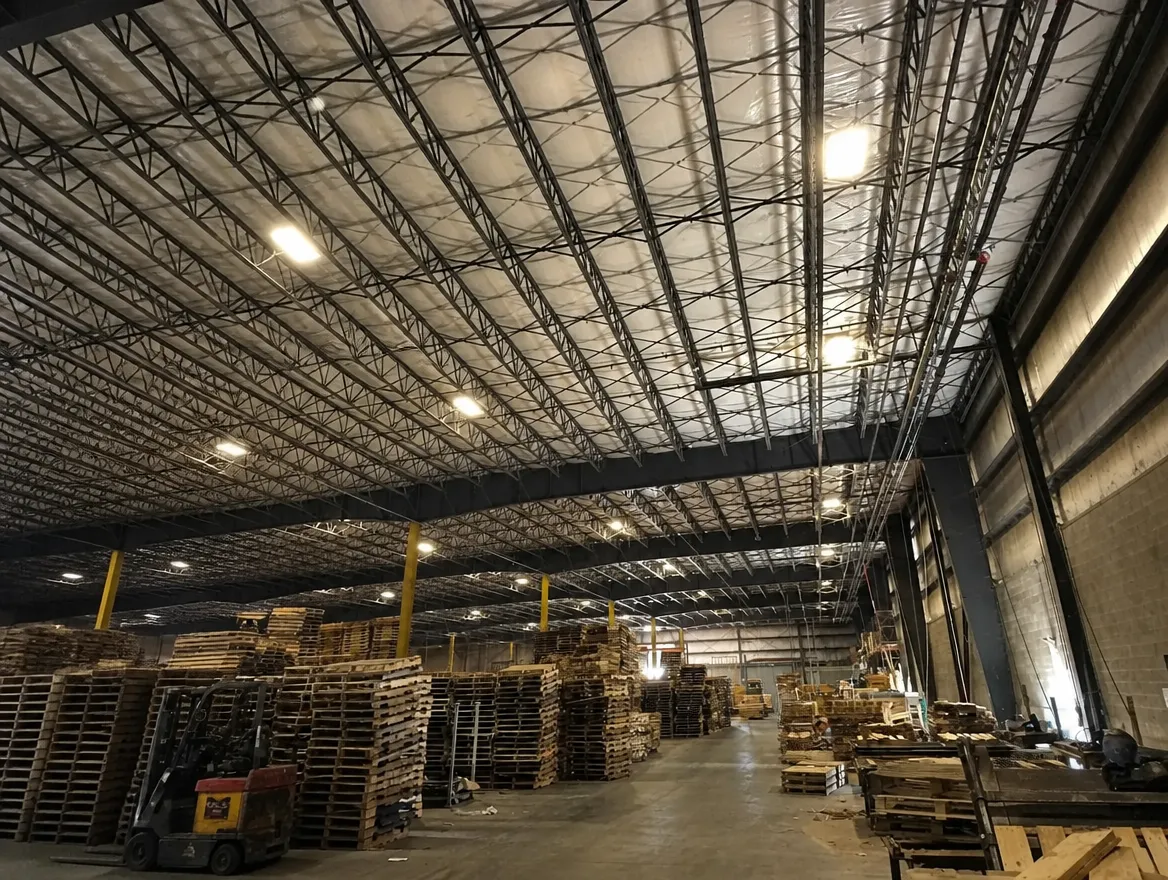
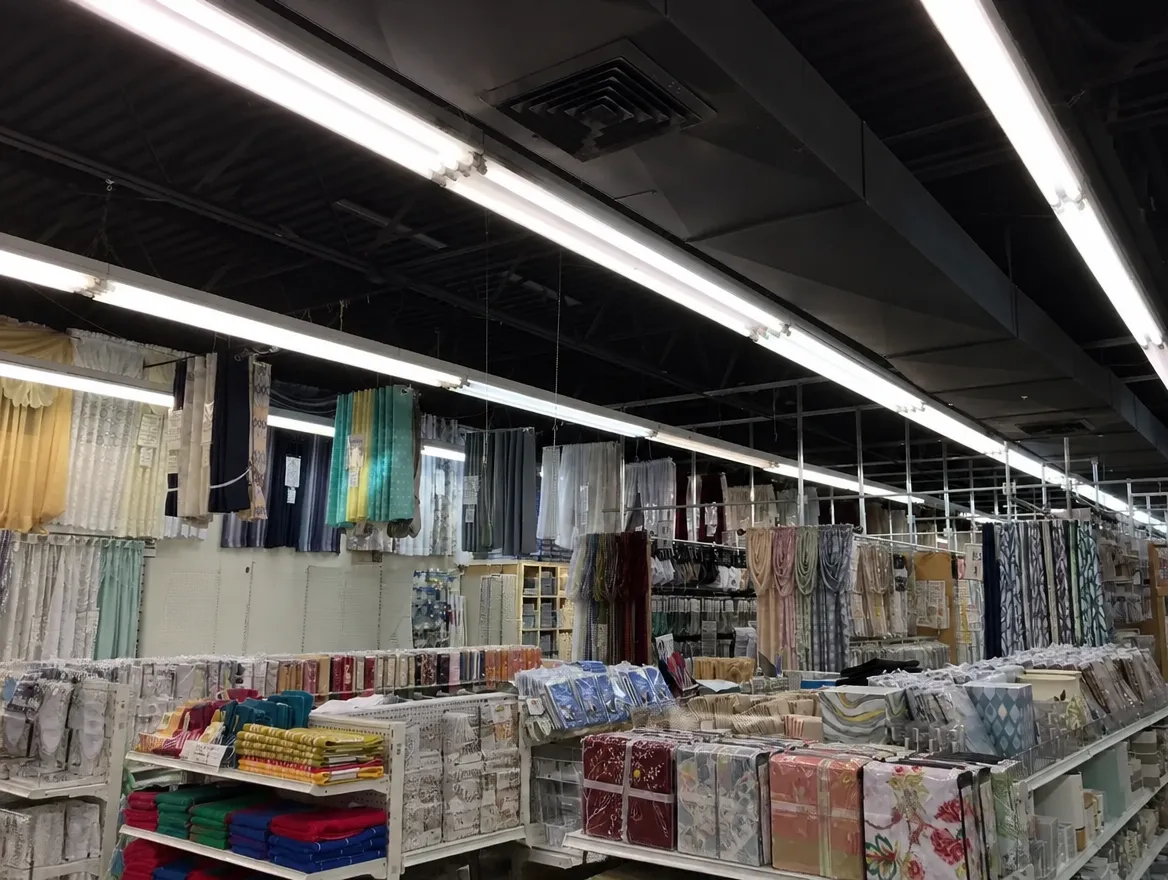
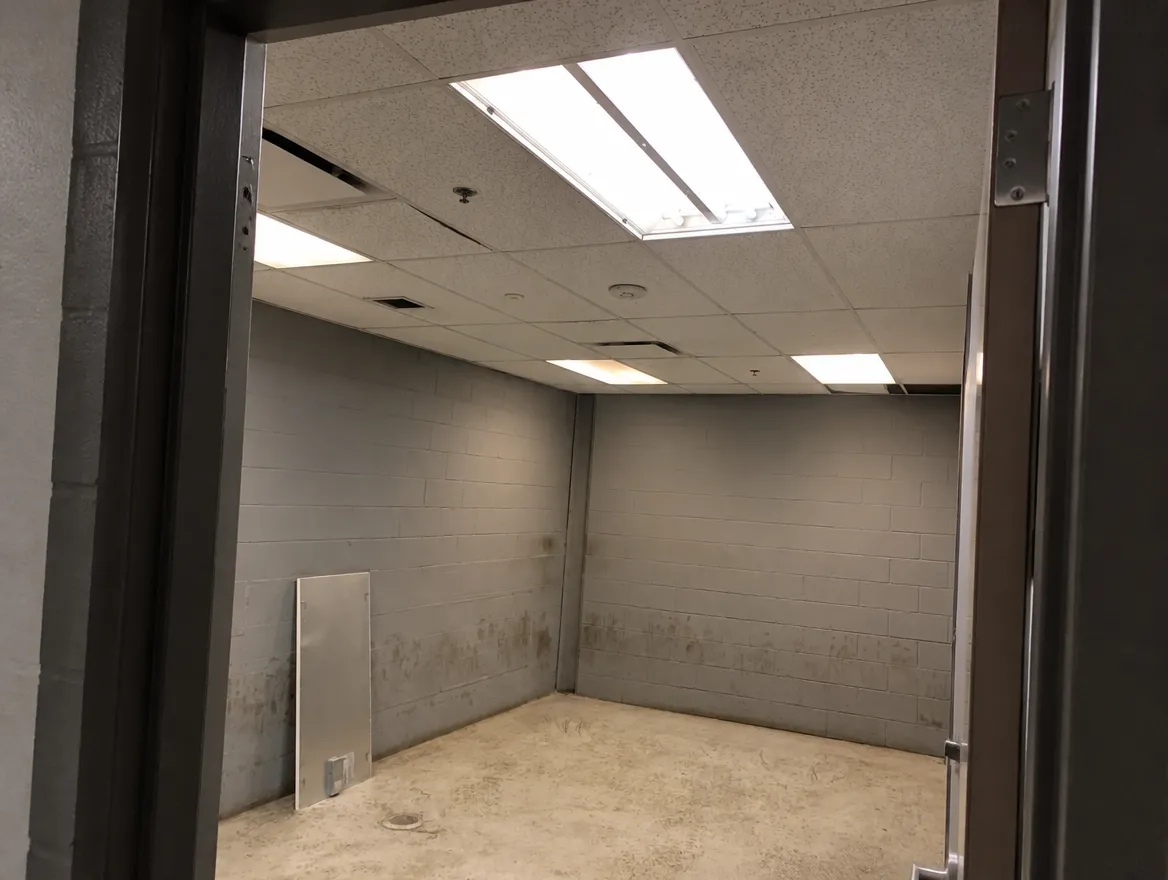
- Step back so the light and the ceiling around it are in the photo.
- See a label with the watts? Take a close-up of it too.
Done when: every kind of light in the room has a photo.
What if…
- You don’t know what kind it is: photograph it anyway. The office will figure it out.
- It’s not one of the four above (downlights, exit signs, pole or canopy lights): photograph it too.
4
Check the spots people miss
Counts come back short because of these. Walk every one.
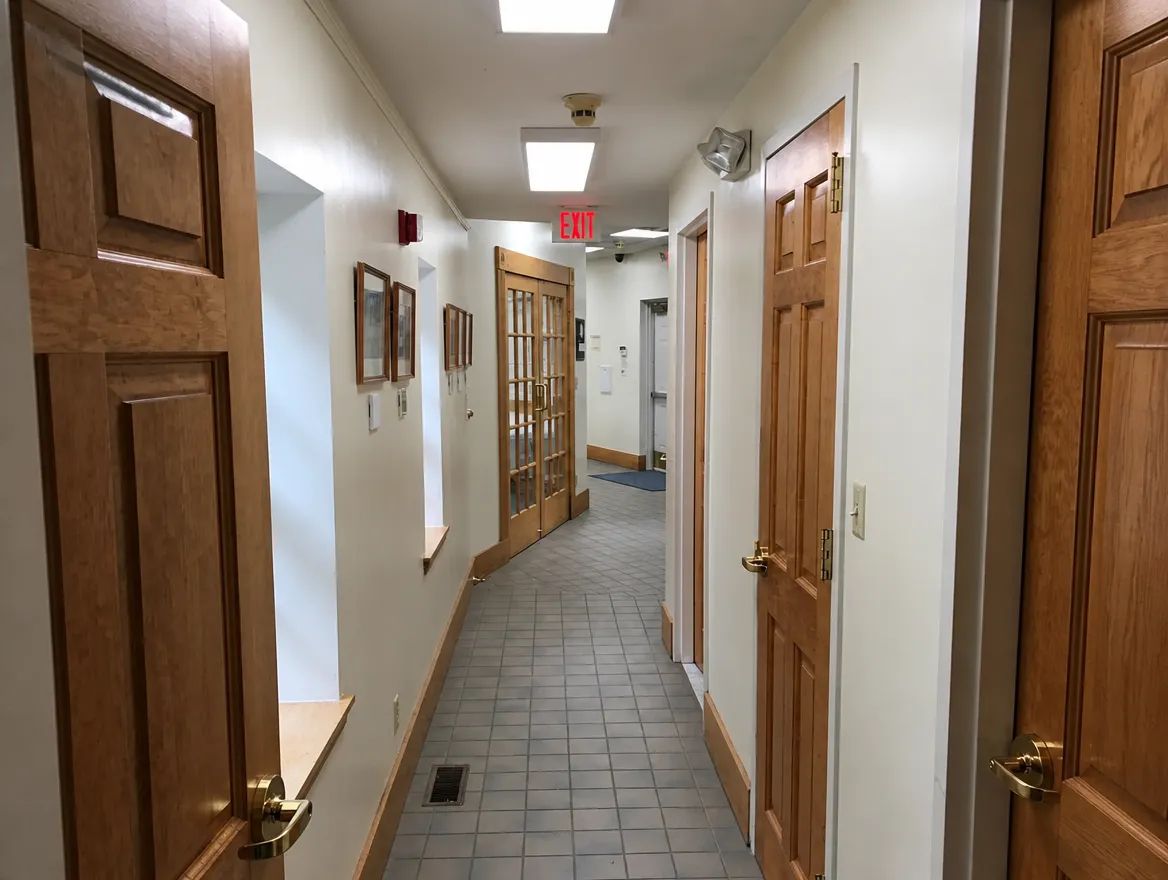
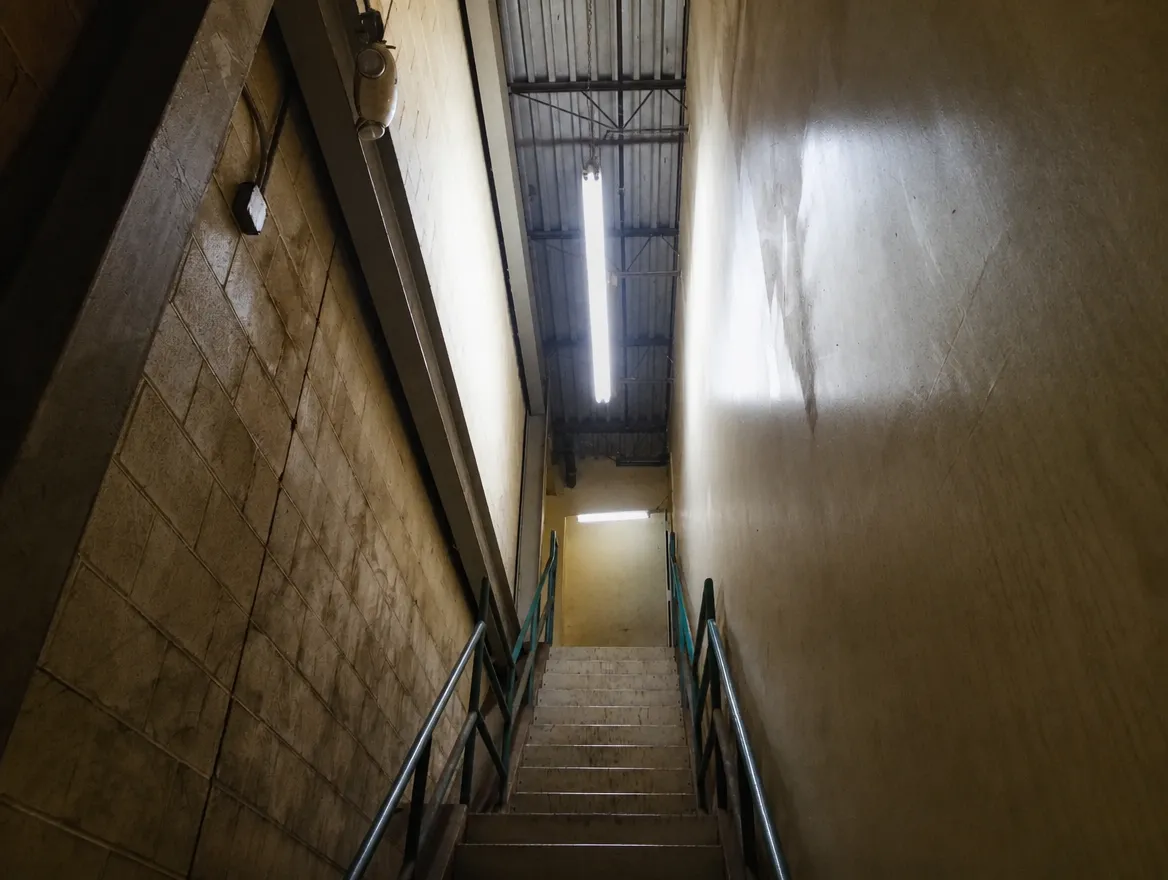
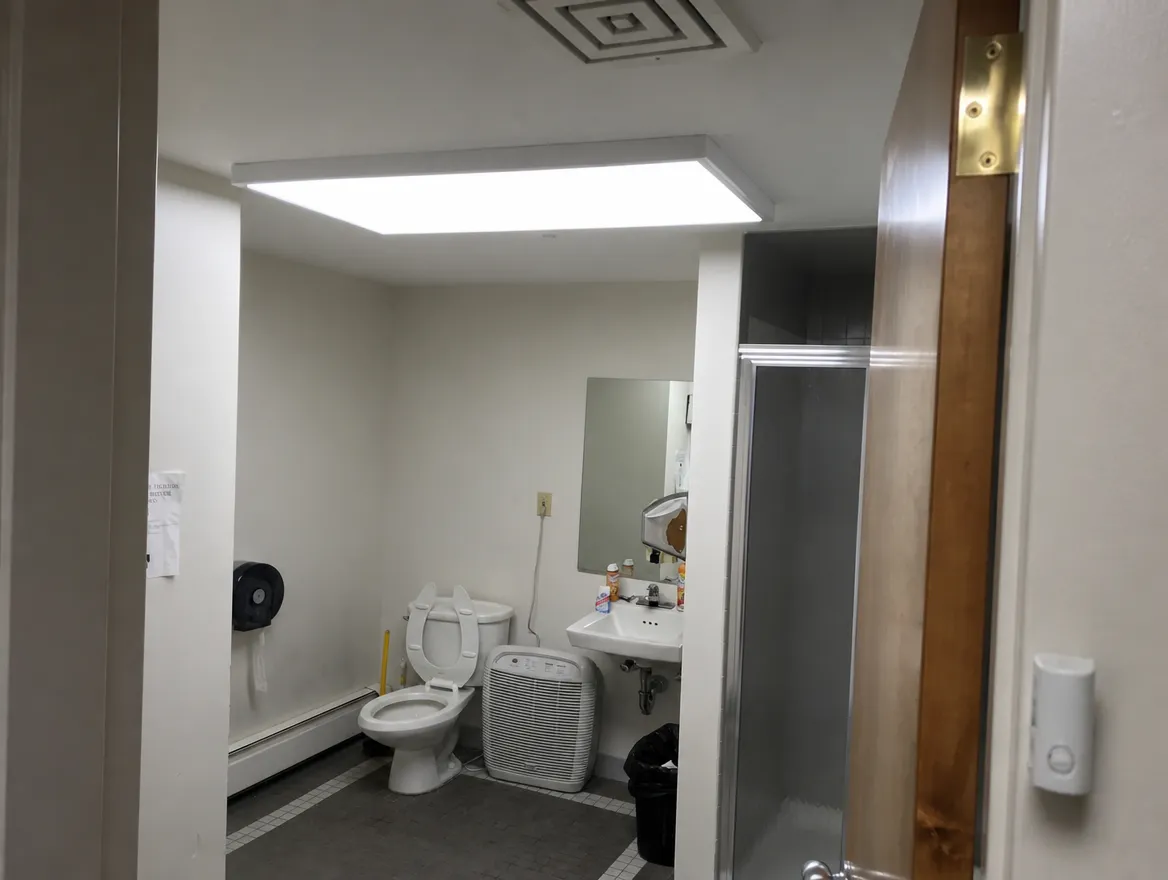
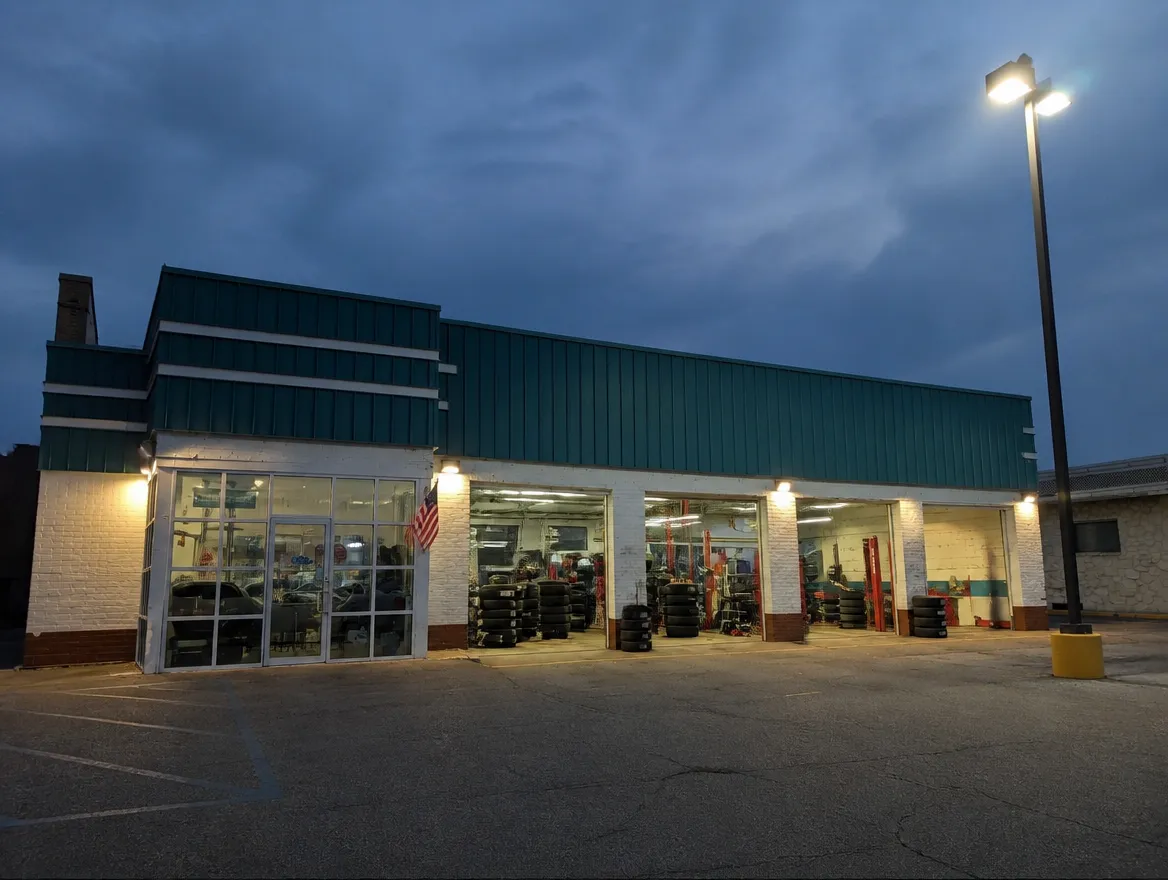
- Offices, break rooms, closets, mechanical rooms
- Every hallway (film it like a room)
- Every stairwell landing, top to bottom
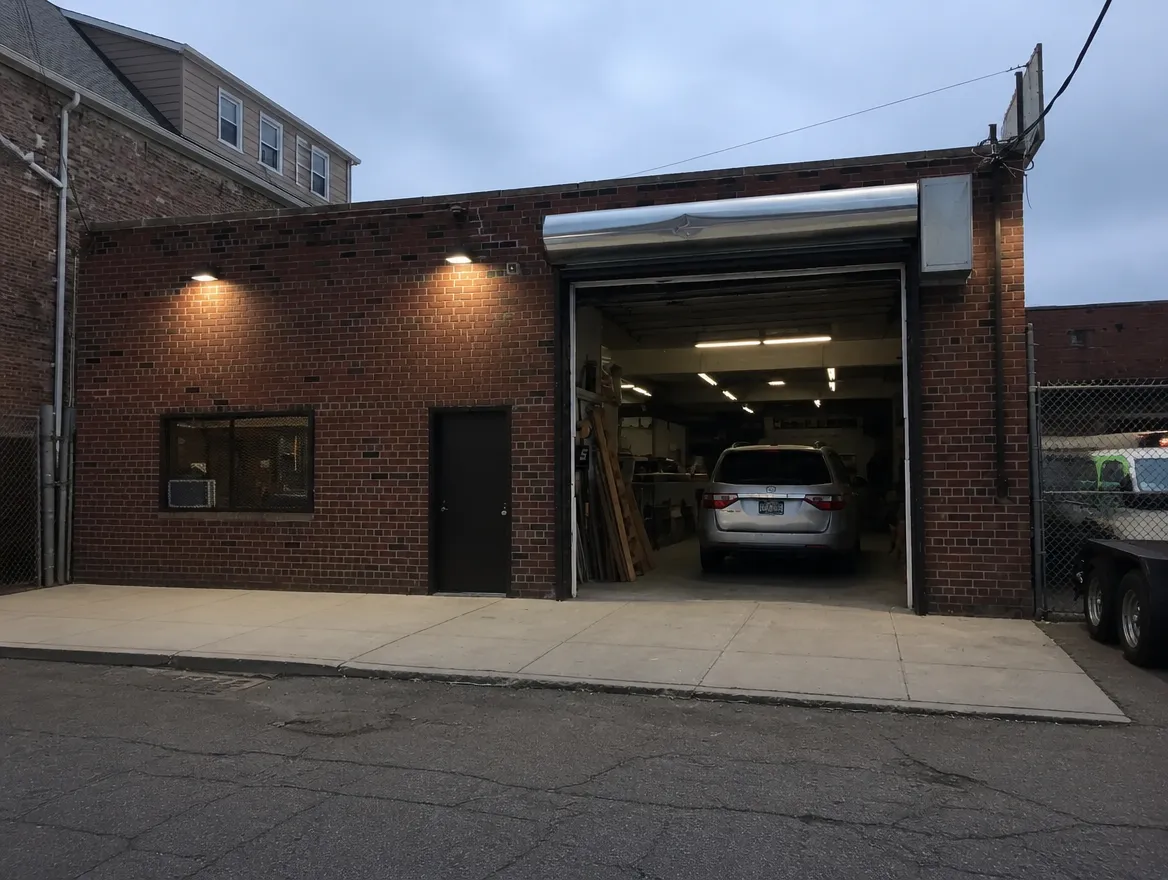
- Outside: walk all the way around. Wall packs, pole lights, loading dock, canopy.
Done when: you’ve walked all the way around the outside.
Tip
- Pole lights: count the heads, not the poles. Two heads on one pole is two lights.
5
Send it in
Building details and files, all in one place.
- Fill in the building details below.
- Tap + Add videos, photos and bills and pick them from your phone.
- Tap Send everything and keep the page open until it says Done.
Done when: the page says Done. That’s it. You’re finished.
What happens next: we build an energy savings assessment for the building and email it to you. You present it to the business owner, or forward it to them. If the owner has questions, pass them to the office. See a sample assessment →
Stuck in a building? Call the office before you leave: 631-306-7888 · HR@ecoledco.com
Ready to upgrade your facility's lighting?
Find out what your building currently spends on lighting, what it would spend after an upgrade, and which utility programs it qualifies for. The assessment is free and there is no obligation.
