
Home › Rep training
Count the lights. Send the bill. Get paid.
That is the whole job. Watch the video below, then do your first count this week. Most reps start with a building they already have access to.
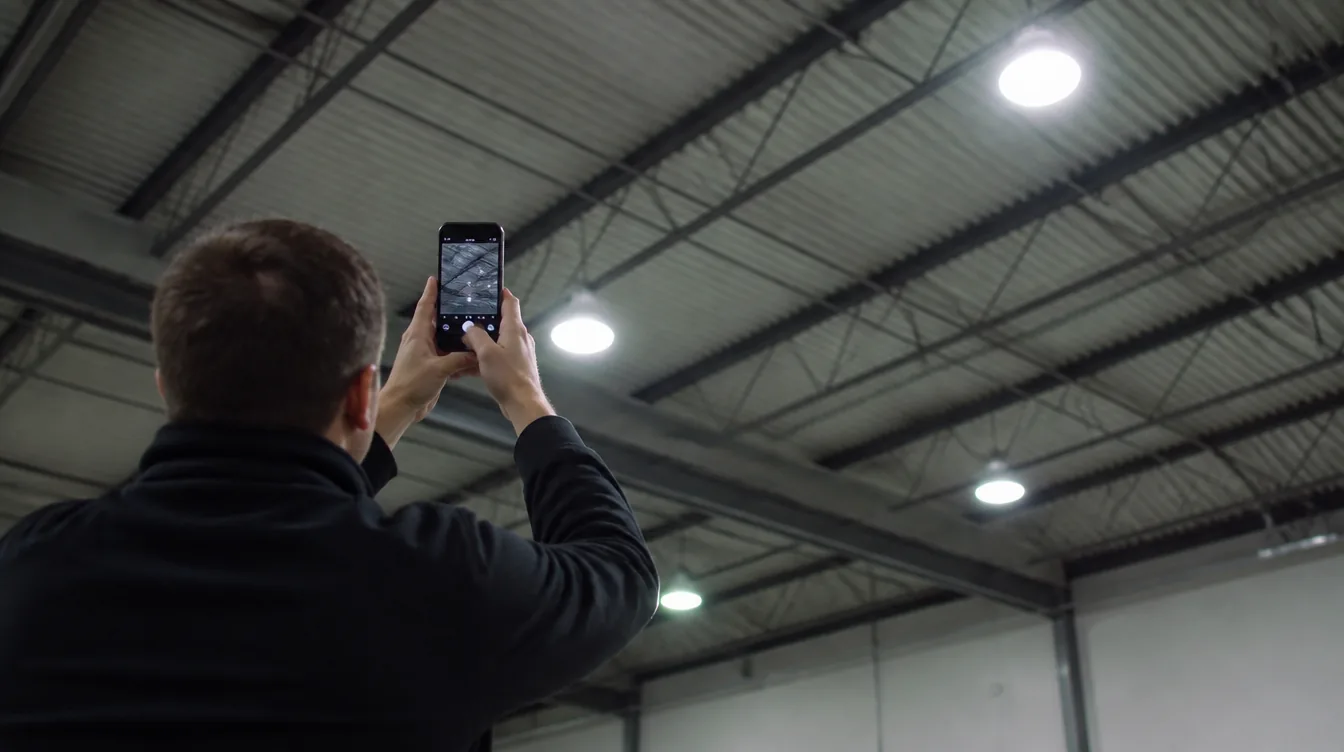
The full walkthrough runs about five minutes. Watch it once before your first count, then use the sections below in the building.
What you are actually doing
Every commercial building runs lighting that costs more to operate than it needs to. Your job is to show the owner how much they are overspending, and what it would look like to fix it.
We handle the engineering, the utility rebate paperwork, the proposal and the install. You handle one thing: getting us the data.
Walk and count
Room by room, count the fixtures. Twenty to sixty minutes for most buildings.
Photograph each type
Into CompanyCam, tagged to the space. This happens as you walk, so it costs no extra time.
Get the utility data
A photo of the bill, or send them the authorization link. About five minutes.
Submit
We build the assessment and present it with you. Nothing further from you.
You do not need to know anything about electricity or lighting
You need to be able to count, take a clear photo, and ask one question. The report sells itself, because it saves the customer money.
Start with someone you know
Do not cold knock on day one. Your first count should be a building where you already have a relationship and can walk in without an appointment.
- Where you work now, or used to work
- Your gym, your church, your kid's daycare
- A family member's shop, warehouse, restaurant or office
- Your landlord's building
- A friend who manages a property
You already have permission to be in the building, which removes the hardest part and lets you learn the process with zero pressure. Once you have done one and been paid on it, the second and third get a lot easier.
What qualifies
Anything with a ceiling and a light bill. Best fits:
How to walk a building
Work room by room. Never freestyle it.
One direction, one space at a time
Start at one end of the building and move in one direction. In CompanyCam, create a project named Business Name, Street Address. Then for each room or zone:
- Name the space in the app (Warehouse Bay 1, Front Office, Restroom Men's, Rear Parking Lot)
- Count the fixtures of each type in that space
- Photograph one fixture of each type, plus one wide shot of the whole space
- Note the ceiling height and the hours the lights are on
- Move to the next space
Do not combine spaces
"Whole warehouse: 84 fixtures" is not usable. "Bay 1: 28, Bay 2: 28, Bay 3: 28" is.
A combined number cannot be engineered, cannot be verified against your photos, and cannot be turned into a fixture schedule. It sends the file back to you.
The five things we need for every space
| Data point | Why it matters |
|---|---|
| Fixture type | Determines what it gets replaced with |
| How many | Drives the whole cost and savings number |
| Ceiling height | 12ft and 30ft get completely different fixtures |
| Hours per day and days per week the lights are on | The single most important number on this page |
| Anything broken, flickering or dark | Instant talking point with the owner |
Never guess the hours
Savings are wattage saved, multiplied by hours running, multiplied by the electricity rate. A 24/7 warehouse and a 40 hour office with identical fixtures produce wildly different numbers. If you guess on hours, the assessment is wrong. Ask the person walking with you: "How many hours a day are these on? Same on weekends?"
Fixture cheat sheet
You do not need to name these perfectly. Photograph it, pick the closest match, and we confirm from the photo.
Indoor: offices, retail, schools, medical
- 2x4 troffer. The big rectangular recessed panel in drop ceilings. Count the tubes inside (2, 3 or 4).
- 2x2 troffer. Square version of the same thing.
- Recessed can or downlight. Round hole in the ceiling with a single bulb.
- Strip light. Bare tube fixture, no cover. Usually 4ft or 8ft. Count tubes per fixture.
- Wrap or lensed strip. Same as above with a plastic cover over it.
Indoor: warehouse, shop, gym, manufacturing
- High bay. Hangs from a high ceiling. Round metal dome (older HID) or a long fixture with four to six tubes (T5). Ceiling height is critical here.
- Low bay. Same idea, ceilings under about 20ft.
Outdoor
- Wall pack. Boxy fixture mounted on an exterior wall above a door.
- Pole light or parking lot fixture. Count poles AND heads per pole separately. Four poles with two heads each is 8 fixtures, not 4.
- Canopy light. Recessed into a gas station or drive through overhang.
- Flood light. Aimed at a sign, a lot, or the side of the building.
Always count these too, people forget them
- Exit signs and emergency lighting
- Restrooms, stairwells, hallways, closets, mechanical rooms
- Freezers and coolers (walk in lighting)
- Loading docks
- Anything on the roof or in a parking garage
Telling old from new, roughly
- Tube thickness. Thick tube, about 1.5in diameter, is T12, the oldest and the best opportunity. Medium, about 1in, is T8. Thin, about 0.6in, is T5.
- Warm up time. If it takes a minute to reach full brightness after switching on, it is HID, metal halide or high pressure sodium. Big opportunity.
- Orange or yellow parking lot light. High pressure sodium. Big opportunity.
- Flicker or hum. Aging ballasts. Talking point.
If it is already LED (instant on, flat panel, no tubes), note it as LED and move on. We do not want to propose replacing new fixtures.
What the photos have to show
The photos are what let our engineering team verify your count without a second trip. Bad photos mean we send someone out and your file sits.
One wide shot
Stand in the doorway and get the whole room including the ceiling.
One close shot of each fixture type
Close enough that we can see how many tubes are in it.
One shot of any label
Any sticker, nameplate or wattage marking on the fixture.
Also photograph
- The electrical panel with the door open, if it is accessible and you are allowed
- The exterior of the building from the street
- Any lift or access obstacle: 30ft ceilings, racking in the way, equipment that cannot be moved
Rules
- Flash on in dark spaces
- Hold still
- Never crop
- Never send a photo of a photo
- Every photo goes in CompanyCam tagged to the correct space. Photos in your camera roll do not reach us.
Getting the utility data
A file without it cannot be assessed. Without 12 months of usage we cannot calculate savings, and we cannot confirm rebate eligibility.
Option A. Photograph the bill
If they have a recent bill handy, photograph every page, including the back. The usage history graph on the back is the part we need most.
Option B. Send them the link, usually easier
Text or email them the authorization link: utility authorization link. It is a one minute form. Their bookkeeper, office manager or accountant can fill it out without you standing there, which is often faster, because the person walking you around the building is rarely the person who has the bill.
How to ask. Do not build it up. Say it flat, as the last step of the walk.
"Last thing, to put actual numbers on this instead of estimates, I need your last twelve months of electric usage. Easiest way is this link, takes about a minute, and your bookkeeper can do it if that is simpler. Who should I send it to?"
If they hesitate: "It is usage history only, no payment info, no account access. It just lets us pull what the utility already has so the numbers we show you are real."
What happens next
Five stages, and you are only involved in the first one.
Within 24 hours
We review your count and photos. If something is unclear, we call you, not the customer.
Two to five business days
We build the assessment: current annual lighting cost, proposed system, projected annual savings, available utility rebates, and financing options that in most cases mean little or no money out of pocket at signing.
We present it with you
You do not have to explain a single number. Get the decision maker on a call or in a room, and we take it from there.
They decide
We never pressure anyone. The numbers either work for them or they do not. Roughly [X]% of completed assessments move forward.
You get paid
Per the commission schedule in your agreement, including on projects that close after you have stopped submitting new ones.
Common mistakes
Every one of these sends a file back to you or costs the customer money on their assessment.
Counting
- Counting the room instead of the fixtures. Look up and count individual units.
- One number for a whole warehouse. Break it into bays or zones.
- Forgetting outdoor. Parking lots and wall packs are often the biggest savings in the file.
- Counting poles, not heads. Two heads on one pole is two fixtures.
- Guessing hours of operation. Ask. Every time.
Paperwork and people
- Leaving without the decision maker's contact info. The person who unlocked the door usually cannot sign.
- Photos in your camera roll. They must be in CompanyCam, tagged to the space.
- Skipping the bill because it felt awkward. Send the link instead. It is the single highest value thing you do all visit.
Questions reps ask before their first count
Do I need a license or electrical experience?
Is there a cost to start?
Am I an employee?
How do I get paid?
What if I bring in one deal and stop?
What if the building already has LED?
How long does a count take?
What if I cannot get access?
Watch the video. Pick one building you can already walk into. Do the count this week.
Questions before you go out: 631-306-7888 · HR@ecoledco.com

One count is all it takes to learn this
Pick a building you can already walk into, count it room by room, photograph each fixture type, and send us the utility data. We do the rest and present it with you.
